
How Push Notifications & PWA Are Changing Customer Support for Small Businesses
Categories: Website Optimization, Conversion Tools
Tags: push notifications, PWA, progressive web app, customer support tools, live chat notifications, small business tools, website chat widget, mobile notifications
Missing a chat message from a website visitor used to mean losing a potential customer. They’d land on your site, type a question, wait a few seconds, and leave. You’d see the message hours later in your dashboard — too late.
In 2026, customers expect instant replies. But small business owners can’t sit in front of a dashboard all day. That’s where push notifications and Progressive Web Apps (PWA) come in — and tools like FloatMessage are making them accessible to everyone, not just enterprise teams with dedicated engineering resources.
The Problem: You’re Missing Conversations
Live chat is no longer optional for businesses that sell online. Studies show that 79% of customers prefer live chat because of the immediacy it offers. But here’s the gap most small business owners face:
- You install a chat widget on your website
- A visitor sends a message
- You’re on your phone, at lunch, or working on something else
- By the time you check the dashboard, the visitor is long gone
The result? Lost leads, missed sales, and frustrated customers who won’t come back.
The Solution: Push Notifications for Live Chat
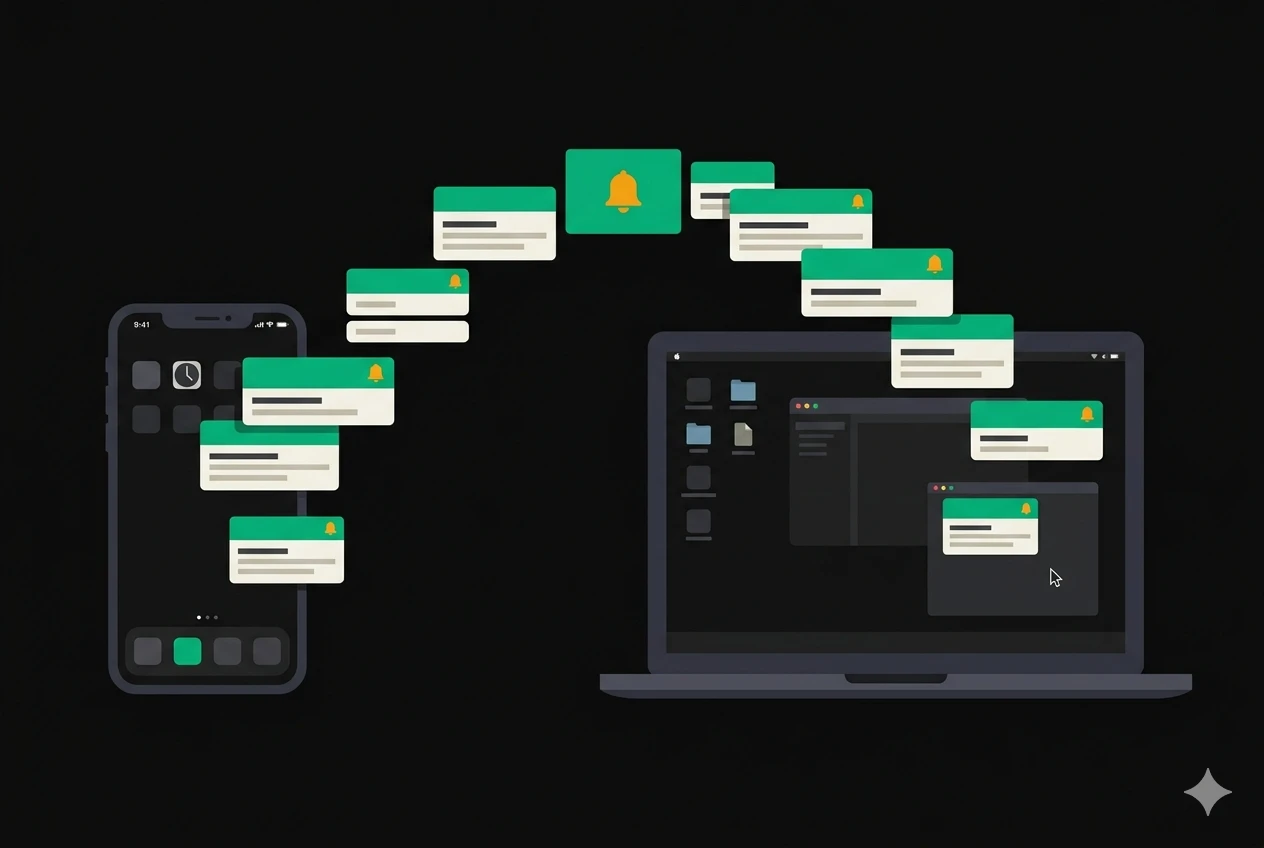
Push notifications for live chat solve this by sending an alert directly to your phone or desktop the moment a visitor sends a message — even if your browser is closed, even if you’re using a different app entirely.
Unlike email notifications (which get buried) or SMS alerts (which cost money), web push notifications are:
- Instant — arrives within seconds
- Free — no per-message cost
- Cross-platform — works on Chrome, Edge, Firefox, and Safari
- Clickable — tap the notification and go straight to the conversation
FloatMessage recently added built-in push notifications to its live chat widget. When a visitor sends you a message, every device where you’ve enabled notifications gets an alert with the message preview. One tap takes you directly to that conversation.
What Is a PWA and Why Should You Care?
A Progressive Web App (PWA) is a website that behaves like a native app. You can install it on your home screen, it runs in its own window, and — crucially — it can receive push notifications even when you’re not actively using it.
This matters because:
- No app store needed — visitors and owners don’t need to download anything
- Always up to date — unlike native apps, PWAs update automatically
- Lightweight — no large downloads, no storage bloat
- Works on every device — desktop, Android, iOS (Safari 16.4+)
FloatMessage is now a fully installable PWA. Site owners can add it to their home screen and get push notifications for every incoming chat message — creating a native app experience without building a native app.
How to Install FloatMessage as a PWA
On desktop (Chrome/Edge):
- Go to floatmessage.com/dashboard
- Click the install icon in the address bar
- Click Install
On Android:
- Open the dashboard in Chrome
- Tap the menu → “Add to Home screen”
- Tap Install
On iPhone (iOS 16.4+):
- Open the dashboard in Safari
- Tap Share → “Add to Home Screen”
- Open the app from your home screen and enable notifications
Beyond Notifications: Chat That Opens Itself
Another feature that’s changing how businesses use website chat is the ability to open the chat panel automatically when a page loads.
Traditional chat widgets show a small bubble in the corner. Visitors have to notice it and click it. But on key pages — pricing pages, support pages, checkout pages — you want to start the conversation proactively.
FloatMessage’s “Open by Default” setting does exactly this. Toggle it on, and the chat panel opens automatically when visitors land on the page. Combine it with a show delay and you get a natural, non-intrusive conversation starter.
This is especially effective for:
- Pricing pages — answer objections before visitors bounce
- Checkout pages — reduce cart abandonment with instant support
- Landing pages — capture leads while intent is highest
- Support/FAQ pages — let visitors ask questions immediately
Story Carousels: A New Way to Engage
While push notifications keep you connected to visitors, Story Carousels keep visitors engaged on your site.
Inspired by Instagram and Snapchat stories, FloatMessage’s story carousel template lets you create full-screen, swipeable slides that auto-advance — perfect for:
- Product launches — showcase new arrivals slide by slide
- Promotions — highlight limited-time deals with urgency
- Onboarding — walk new visitors through features
- Testimonials — display social proof in an engaging format
Each slide supports custom background colors or images, text with configurable shadows, and CTA buttons with custom colors and links. You can choose from three sizes — small (250px), medium (300px), or large (400px) — to match your site’s layout.
The carousel includes swipe navigation, tap-to-advance, and a progress bar — all the UX patterns visitors already know from social media.
The Full Stack: How It All Works Together
Here’s what a modern small business engagement setup looks like with FloatMessage:
- Visitor lands on your site → sees a floating welcome banner (triggered after 3 seconds)
- Visitor browses your pricing page → chat opens automatically with “Have questions about pricing?”
- Visitor asks a question → AI auto-reply responds instantly with relevant information
- You get a push notification → tap it, see the conversation, jump in if needed
- AI steps aside → the moment you reply manually, AI stops for that conversation
- Visitor leaves → a story carousel shows a limited-time offer before they go (exit intent trigger)
All of this runs from one embed script — no multiple tools, no complex integrations:
<script src="https://floatmessage.com/embed/floatmessage.js" data-user="YOUR_USER_ID"></script>
Pricing
FloatMessage offers a 30-day free trial with full access to every feature — no credit card required.
After the trial, the Pro plan is $10/month (or $100/year), which includes:
- Unlimited floating messages & live chat
- AI auto-reply powered by Gemini
- Push notifications & PWA
- Story Carousel with size options
- 13+ popup templates
- Smart triggers, scheduling & geo targeting
- Analytics & webhook context
- Priority support
For comparison, most live chat tools alone cost $15–50/month — and don’t include floating messages, story carousels, or AI auto-reply.
Who Is This For?
- E-commerce stores that want to reduce cart abandonment and promote sales with popups
- SaaS companies that need to qualify leads and answer product questions
- Freelancers & agencies managing multiple client websites
- Content creators looking to grow email lists with newsletter popups
- Any business that wants to talk to their website visitors without missing a message
Get Started
Try FloatMessage free for 30 days: floatmessage.com
No credit card. No code. Set up in under 2 minutes.
Read the full documentation: floatmessage.com/docs
Leave a Reply